JobNotes


How to get company info before an interview (Company Insights)
Company Insights gives you an overview of a company and a few key facts, so you walk into the interview prepared. It needs an internet connection.
-
Step 1
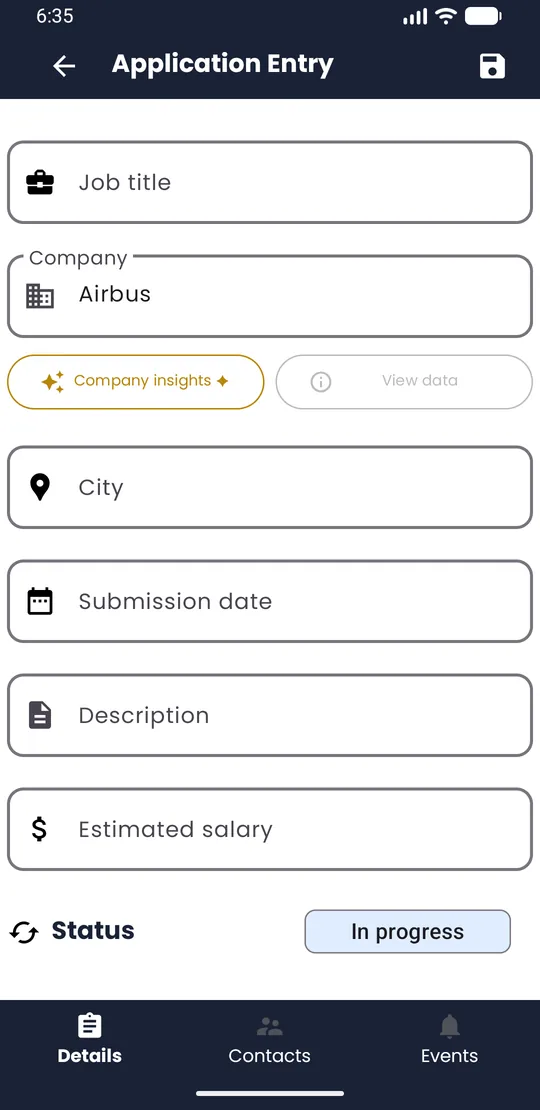
Enter the company
Open the application (or create one) and fill in the Company field.
-
Step 2
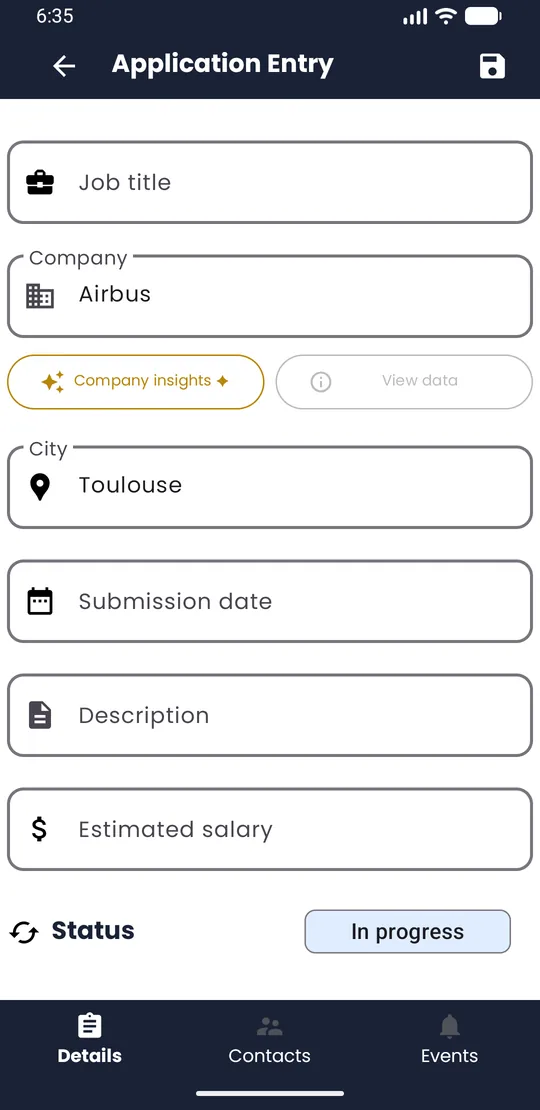
Tap Company insights ✦
Just below the company field, tap Company insights ✦.
-
Step 3
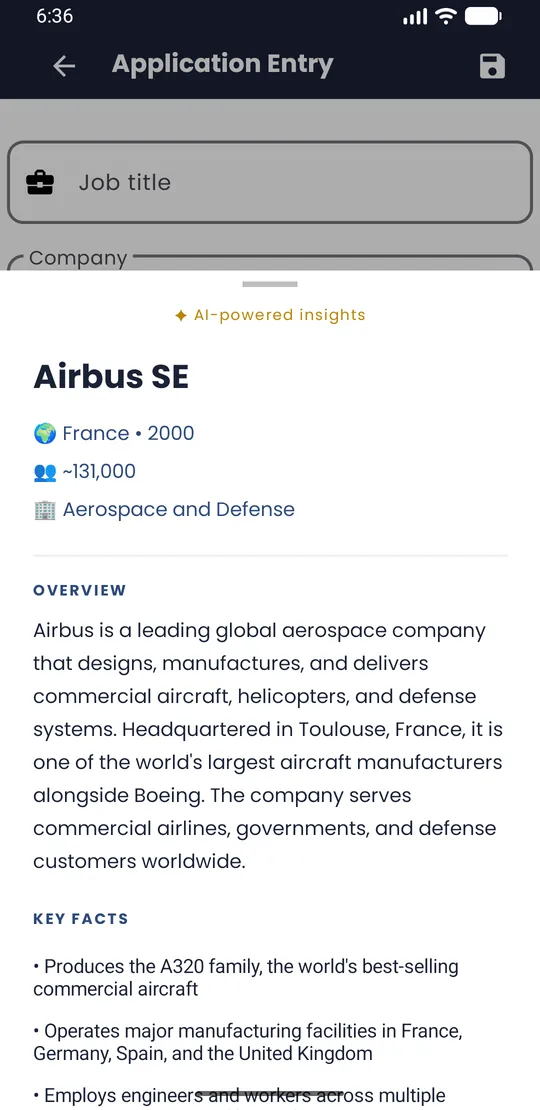
Read the overview
In a few seconds you get an Overview and Key facts: country, founding year, size and sector.
💡 Tip · Company Insights is a lightweight AI: it can be wrong, be out of date, or not find a company at all, especially small or very local businesses. Treat it as a starting point and check what matters on the company's own website. The result is saved on your phone: tap View data to read it again without a new lookup. Lookups are limited each month; when you reach the limit, you can watch a short ad for more. Only the company name, its city and the app language are used, plus an anonymous random identifier that counts your lookups for the month and is deleted after two months. Never your notes, contacts or events.